EchoLink is a way for licensed stations to pass voice over the internet, and out onto a radio at the far end. You are not skipping the license. You are using the network as the path between two hams who already hold one.
The client runs on Windows, and as an app on Android and iOS. A headset and a reasonably steady connection matter more than the device.
It is a poor substitute for learning the bands. It is a good way to reach a net, a friend, or a repeater you cannot hit from the apartment.
Validate the Call Sign
The first step is the license check. EchoLink wants proof that the call sign is yours. Until someone approves it, the call sign stays off the air. That wait is the system working.
Create the account, send the document they ask for, and use the same call sign that is on the license. A nickname in the call-sign field will not pass.
The place to do this is echolink.org. Download the client for the machine you will actually use. If a firewall blocks the connection later, that same site documents the ports to open. Guessing at them is a waste of an evening.
What the List Is Showing You
After you are in, the screen is a directory. Stations are marked as a single user, a link, a repeater, or a conference. You can search by call sign or scroll by place.
A single user is another person at a computer or a phone. A link or a repeater is a radio on the other side of the internet. A conference is a room full of nodes tied together. Read which one you clicked before you talk. They do not all behave the same.
Status tells you if the station is free or already in a contact. If it is busy, pick another. Hammering Connect does not make you politer.
Audio controls are worth a minute. Set the microphone so a normal voice is enough. A blown-out mic is the thing other stations will mention first, and they will be right.
Make the Contact
Pick a station and connect. Listen. If a net is running, the control station will tell you how to check in. If two people are talking, wait until one of them says the frequency is open.
Push to talk, pause, then speak. Links and repeaters eat the start of a sentence. Say the call sign the way you would on any other contact, at the beginning and when you are finished.
When you are done, disconnect. An idle connection holds a node that someone else might need. Closing the laptop without disconnecting is how you become the station that will not let go.
The habits are ordinary ham radio etiquette. The internet hop does not cancel them. Identify, keep it as long as the contact needs and no longer, and leave the node in better shape than you found it.
A Radio on the Network
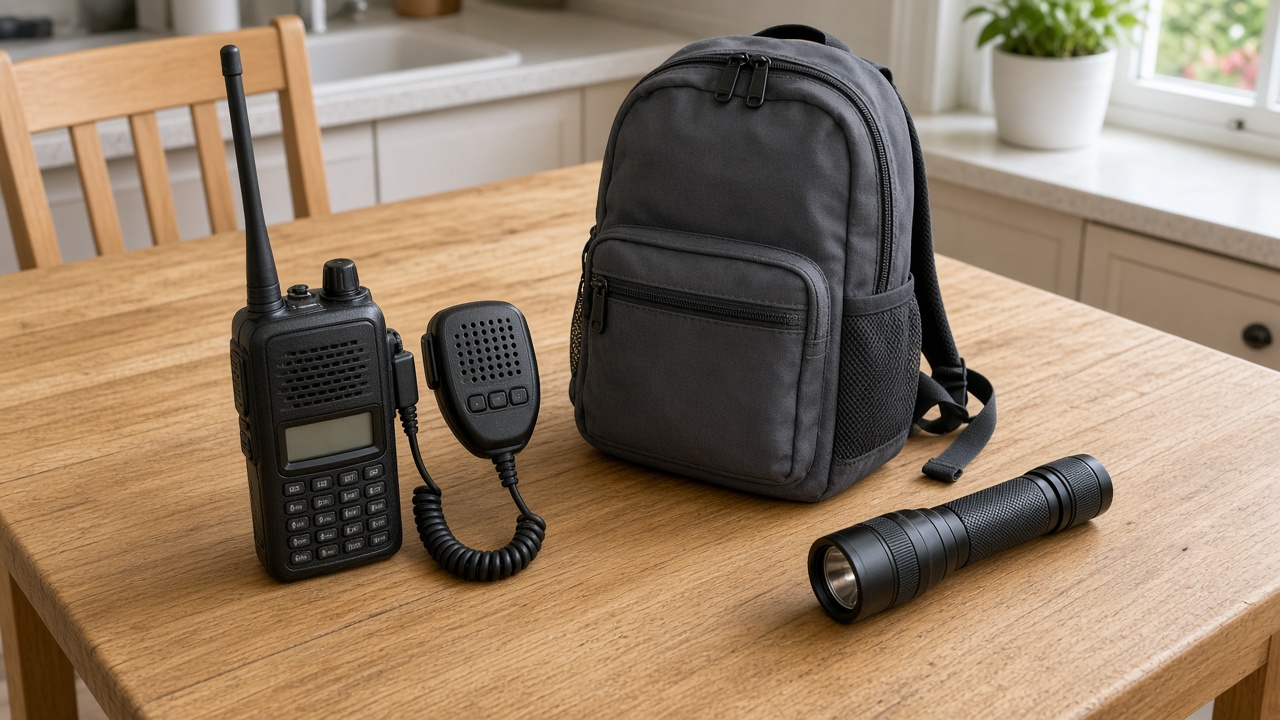
A node is optional. Build one when you want local radios to reach EchoLink, or when you want a handheld in the kitchen to land on a distant repeater.
You need a radio, a computer that can stay on, and an interface that carries audio and PTT. The radio sits on a simplex channel or on a repeater you are allowed to link. The computer runs the EchoLink software in sysop mode. The interface is the same kind of isolation box you would use for any other digital hookup.
Do this with the trustee if the far end is a repeater. Linking someone else’s machine because the software let you is how you get asked, firmly, to stop. How repeaters themselves work is in ham radio repeaters. EchoLink is one way those machines reach past the hill. It is not the repeater.
When It Misbehaves
If nobody answers and the list will not refresh, check the internet connection before you reinstall anything. Hotel and cafe networks block this kind of traffic all the time. A phone on its own data plan is the quick test.
If people say you sound like a tunnel, you are hearing your own speaker in the microphone. Use a headset. If they say you are quiet, raise the mic level a little and try again. One change at a time.
Echo and a dropped link are the usual complaints. Neither one means the installation is ruined. Ask a station that knows you for a signal check, the same way you would on a local machine.
A ham radio club that already runs a node will save you the folklore. They know which conference the area uses and which repeater link is polite to join.
Frequently Asked Questions
Do I need a ham license to use EchoLink?
Yes. The system checks a license before it enables your call sign. Until that validation is done, you can look around and you cannot transmit. Send a clear copy of the license the site asks for.
Can I reach a repeater from a phone?
If that repeater is linked to an EchoLink node, yes. You connect to the node over the internet, and the node puts your audio on the repeater. You still identify with your call sign, and you still follow that repeater's habits.
Why does the other station miss my first word?
A link has a little delay, and many repeaters have a hang time and a courtesy tone. Wait a beat after you push to talk, then start the sentence over if you jumped the gun. A headset keeps your speaker from feeding the microphone.
What is a node?
A node is a radio, a computer, and an interface that ties a local RF frequency to the EchoLink network. Single-user stations do not need one. A node is how people with handhelds, and no internet in their hand, join the same conversation.