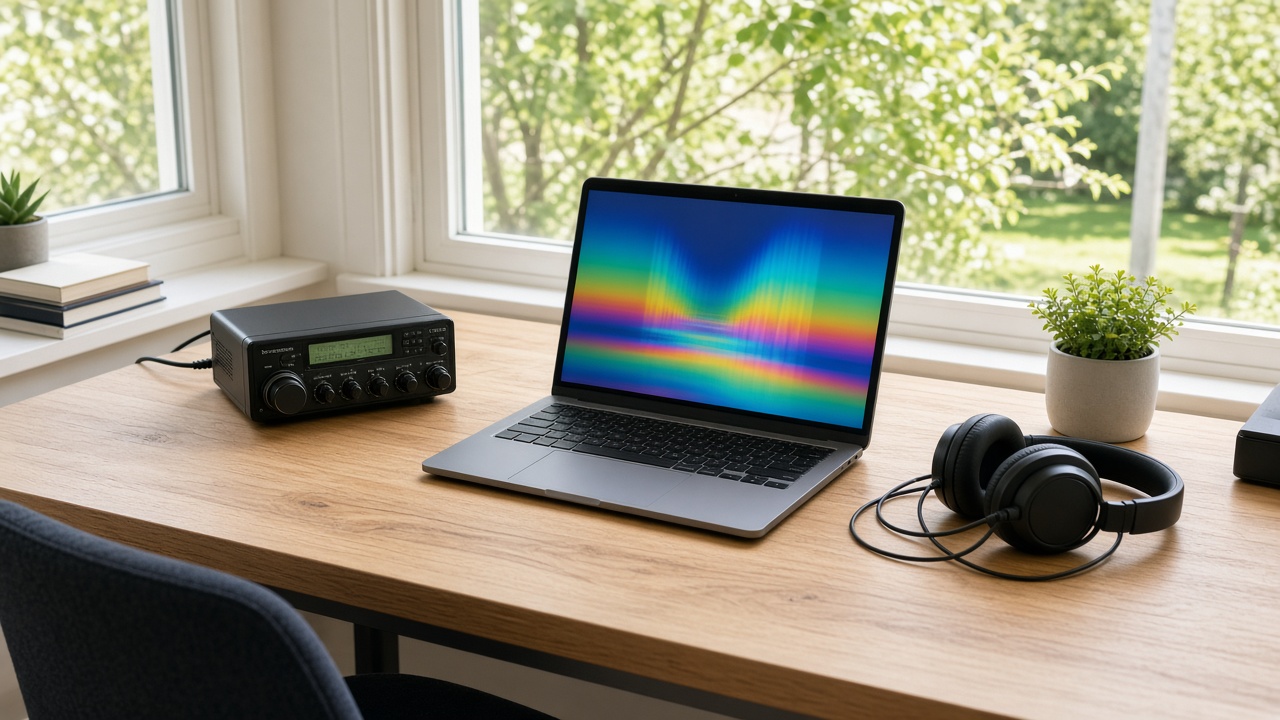
FT8 decoding is the computer’s job. The radio hears a faint warble, and the software turns it into a call sign, a grid square, and a signal report.
FT8 and PSK31 are both narrow modes on HF, and they feel nothing alike. FT8 finishes a contact in a few automatic turns. PSK31 is two people typing.
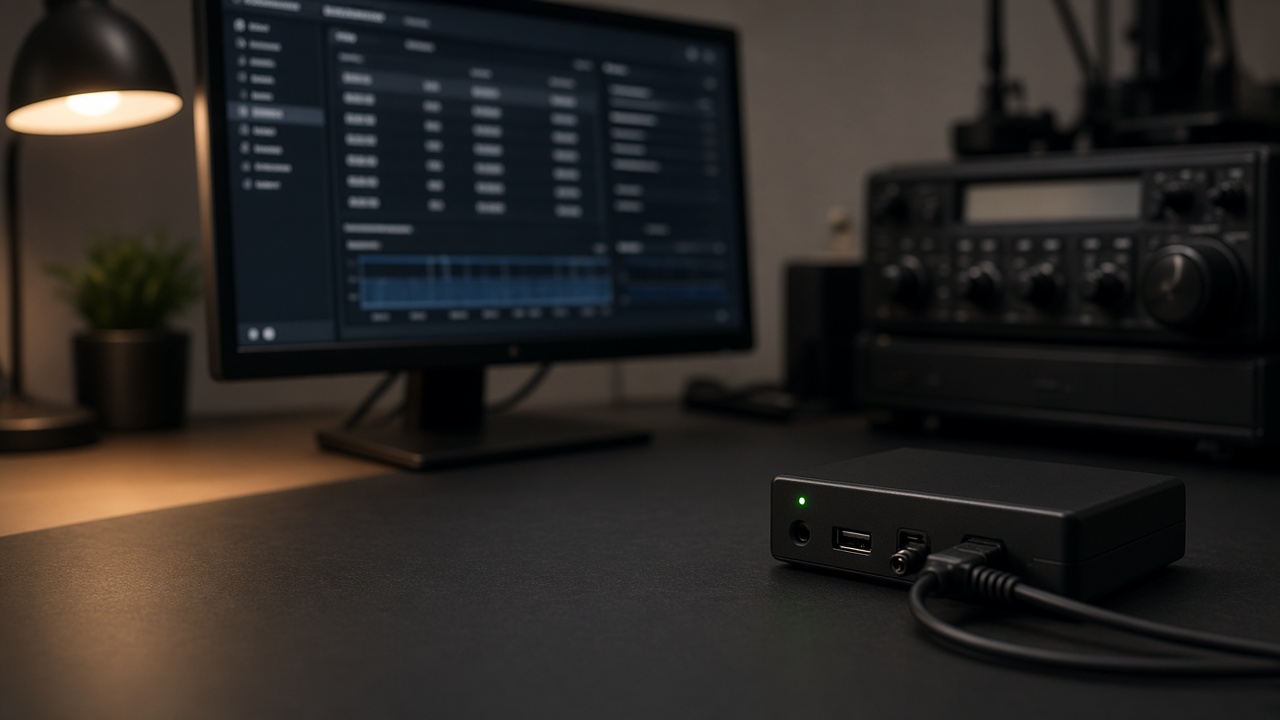
A normal SSB radio, a computer, and a sound-card connection are enough to start. The rest is audio level, the clock, and knowing which mode you meant to be on.
What FT8 Is Doing
Joe Taylor, K1JT, and the WSJT-X group introduced FT8 in 2017 for weak-signal work. It is 8-tone frequency-shift keying. The tones sit 6.25 Hz apart, and the whole signal is about 50 Hz wide. That is why a busy slice of a band can hold a crowd of them.
Each station transmits for 15 seconds, then listens for 15 seconds. The message that fits in a turn is small. Call signs, a Maidenhead grid, and a signal report. That is the contact.
The decoder is the reason people put up with the format. FT8 can pull a signal out at about −20 dB signal-to-noise in a 2500 Hz bandwidth. You will copy stations you cannot hear in the speaker. When the bands are rough, that is the mode that still moves.
The WSJT-X guide is the reference for the message formats and the timing. Read it once. The program is picky because the mode is picky.
Set Up the Decoder
Use upper sideband on HF. Tune the radio to the FT8 frequency in the band plan, then let the software sit on that dial frequency. You pick a station inside the audio passband. You do not chase each one with the VFO.
The audio has to be clean. Too much level and the radio’s input clips. Too little and the traces are faint. Aim for the level the program asks for, then leave it.
Keying can be CAT control or a separate PTT line. Either way, test into a dummy load or a quiet frequency before you answer anyone. A stuck transmitter on an FT8 frequency makes you famous in a hurry.
Double-click a decoded call sign and WSJT-X will step through the exchange. Watch the first few contacts instead of walking away. You still have to notice if the other station is calling someone else.
What PSK31 Is For
Peter Martinez, G3PLX, put PSK31 in front of hams in 1998. The rate is 31.25 baud, close to typing speed, and the signal is about 31 Hz wide. Phase-shift keying keeps it readable through the kind of fading HF does all afternoon.
There is no 15-second cage. You type, the other station types back, and the QSO can be as long as you both want. Nets and casual contacts are the point. A signal report and a grid can be the whole FT8 contact. On PSK31 that is just hello.
It wants a stronger signal than FT8. A trace you can decode on FT8 may be garbage on PSK31. That is a fair trade for a conversation.
Decode a PSK31 Signal
Fldigi is the program most people install. DigiPan is the older one a lot of operators still remember. The job is the same. Feed the radio’s receive audio to the computer, and send transmit audio back without overdriving the radio.
The waterfall is the tuning dial. Each conversation is a narrow pair of lines. Click one. Text shows up in the receive window. Click another and you are in a different QSO. Stay on upper sideband unless the band plan for that slice says otherwise.
If the text is full of junk, drop the audio level before you touch anything else. Distortion looks like a wide smear on the waterfall. A clean PSK31 signal looks thin.
When you answer, send your call sign clearly and then talk like a person. The software will not take the turns for you.
Pick a Mode and Log It
Use FT8 when you want the contact and the band is barely open. Use PSK31 when you want to talk. Plenty of stations do both on the same afternoon, on different frequencies, with different programs.
Weak-signal work still depends on the band. A look at ham radio propagation tells you whether 20 meters is worth opening before you stare at an empty waterfall.
The programs and the settings live with the rest of the best ham radio software. Get the audio and the clock right before you collect five different programs.
When the contact is real, write it down. A QSO log wants the same facts as a voice contact: UTC, band, mode, call sign, and the report. FT8 will offer to store them. Check the line before you trust it.
Frequently Asked Questions
Why does FT8 fail when the clock is wrong?
FT8 stations transmit and receive in 15-second turns that start together. If your computer is off by more than about a second, you are listening when everyone else is transmitting. Set the clock from an internet time service before you open the program.
Can I have a normal conversation on FT8?
The standard exchange is short on purpose. You trade call signs, grid squares, and a signal report, and the software sequences the turns. For a typed conversation, use PSK31 or another keyboard mode.
Where do I listen for PSK31?
Look in the digital part of the band plan, on upper sideband. On 20 meters a long-used watering hole is 14.070 MHz. The waterfall shows each signal as a thin pair of rails. Click the one you want to read.
What program do I use?
WSJT-X is the program built for FT8. Fldigi is the usual program for PSK31. Either one needs a clean audio path and a way to key the radio, which can be CAT control or a PTT line.